 WBWriter


WBWriter docs
WBWriter FAQ and troubleshooting
Answers to common questions about WBWriter, the free, open-source stage whiteboard for macOS with NDI® and HDMI output.
Is WBWriter free?
Yes. WBWriter is free and open source under the MIT License. It's made by 4H1M, z.s., a Czech nonprofit. If it helps your show, you can support 4H1M at https://www.darujme.cz/4h1m.
Which platforms are supported?
macOS 13 or later, on Apple Silicon and Intel. Windows and Linux builds are coming soon.
The NDI source doesn't appear on my receiver.
- Open System Settings → Privacy & Security → Local Network and make sure WBWriter is turned on.
- Check that the Mac and the receiver are on the same network and subnet.
- Check that multicast and mDNS (Bonjour) aren't blocked by the network switch or firewall.
- Look at the status line on the touchscreen.
NDI waitingmeans WBWriter is sending and no receiver has connected yet.
The NDI feed drops out over Wi-Fi.
A big board at a high frame rate can use more than 100 Mb/s while there's writing on it. In the setup window, set Send to Only when the board changes, lower Max frame rate while writing, and lower Resolution over NDI. The quick start explains each option. Ethernet is the most reliable fix.
Can WBWriter send NDI HX?
Not by itself yet. You can get an NDI HX feed today with a screen-capture app such as NDI ScreenCapture HX: set HDMI output to Window for screen capture and capture the window WBWriter Output. It shows the clean feed at the exact output resolution, even while it's hidden behind the board.
Can I key the writing over other graphics?
Yes. Set Background to Transparent. WBWriter then sends BGRA with straight alpha, so the receiver can key out everything except the writing.
What does the performer see compared with the audience?
The board on the touchscreen has exactly the aspect ratio of the output. Everything inside the board is sent pixel for pixel. The hatched area, border, clear button and status line stay on the touchscreen only.
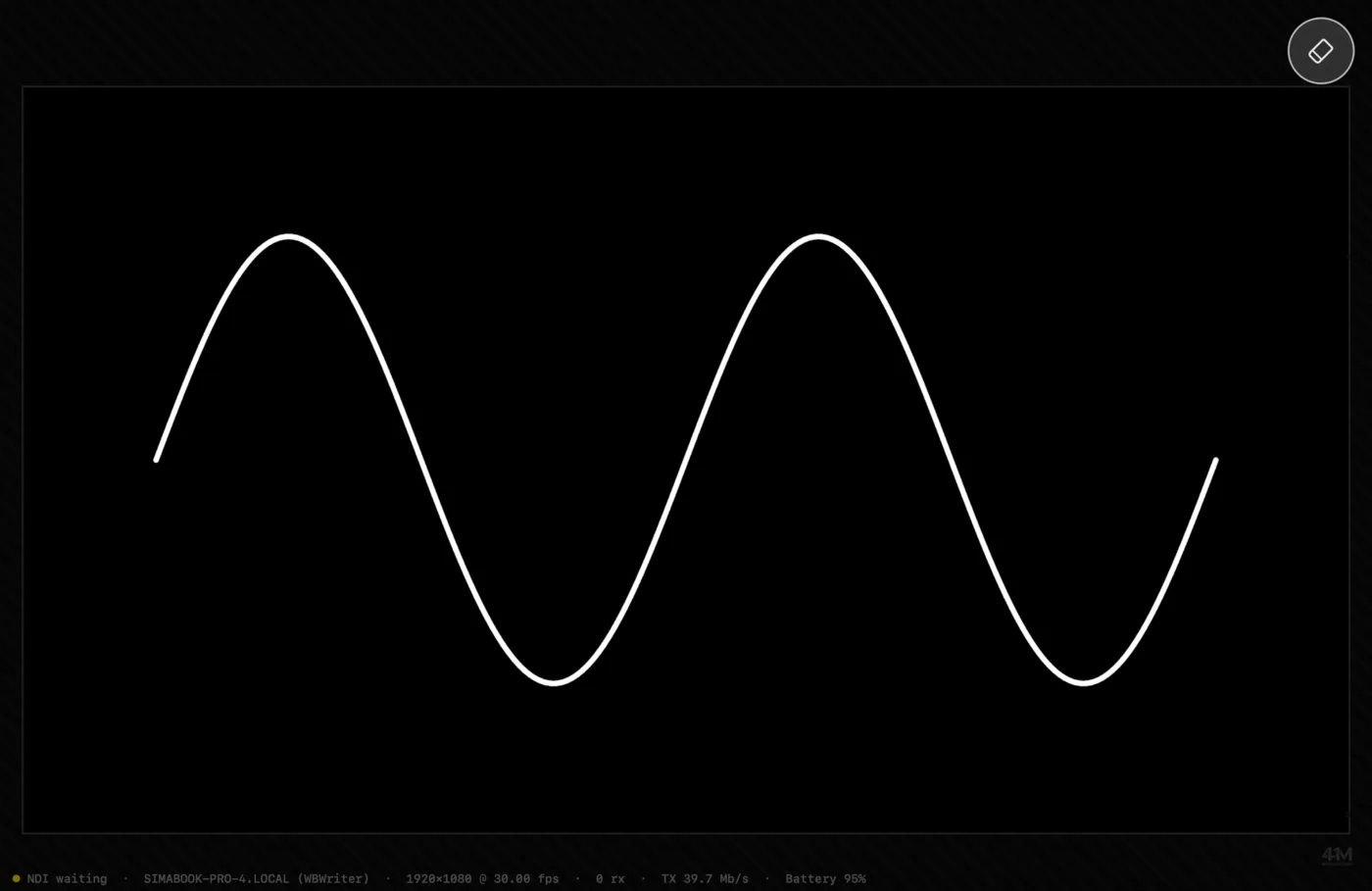
Can I prevent someone from clearing the board by accident?
Set Clear gesture to Double tap, or to None to hide the button entirely. An operator can still clear the board with Backspace on a keyboard.
Can I change the pen during the show?
No. Pen color and width are set in the setup window before the show, so nothing can change by accident in live mode.
The touchscreen shows the board wrongly, or WBWriter misbehaves.
With Web control turned on, open the remote page on a phone. Refresh display rebuilds the touchscreen and HDMI windows without interrupting NDI or losing the writing. If that doesn't help, Restart WBWriter (tap twice): the app restarts and returns live with the same board and message.
How do I update WBWriter?
WBWriter checks for a new version each time it starts and shows the changelog when one is available. Click Install and Restart: it downloads the update, checks that it's signed by 4H1M, replaces the app and opens it again. You can also choose WBWriter → Check for Updates… at any time, or turn off the automatic check under Updates in the setup window. The check never interrupts live mode.
How do I report a bug or ask for a feature?
Open an issue at https://github.com/4H1Mzs/wbwriter/issues, or email simon@4h1m.com.
NDI® is a registered trademark of Vizrt NDI AB. Learn more at https://ndi.video/.